Search Database - New
Purpose
The Any Page Text utility is used to enter unique text items for identified site pages. On any webpage there are various elements that are used to display 'static' text. Elements such as the page heading and text boxes used to describe something about the company or staff. Most often these are 'hard coded' into the HTML for the page. Given the nature of this GenWeb site it is better to have a mechanism where the County Coordinator can make changes to any page text without needing to change the basic HTML code. Thus, this module.
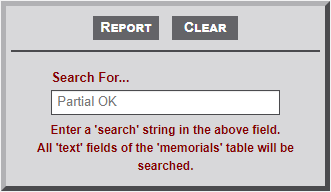
Utility Form
The general structure of a website page consist of a page heading, page introduction text, table introduction text, table, and image.
Sample Output
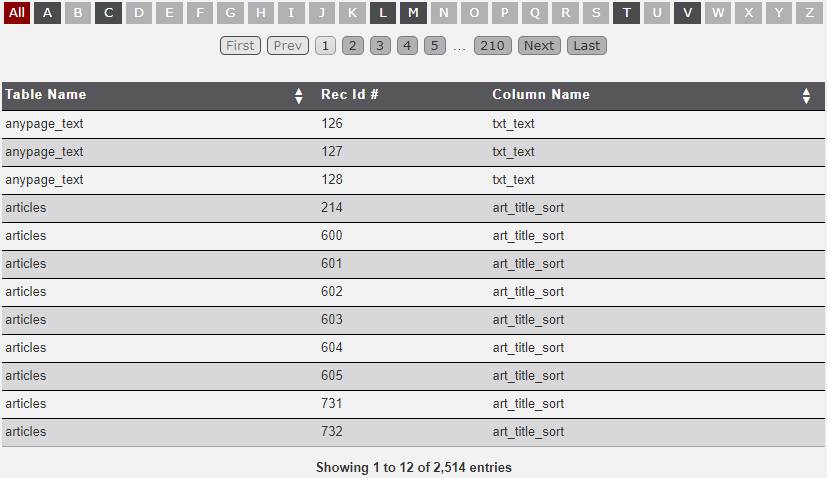
Three columns of information are provided as seen in the sample output below. The output is the result of a search for Smith. The Search module searches all table in the database, with the exception of the transaction table. See the next two Utility page for a further discussion of the transaction table.
- Table Name - This column identifies the database table where a search parameter was located.
- Rec Id # - This column identifies the record number within the table where a search parameter was located.
- Column Name - This column identifies the column name where a search parameter was located.
No Comments